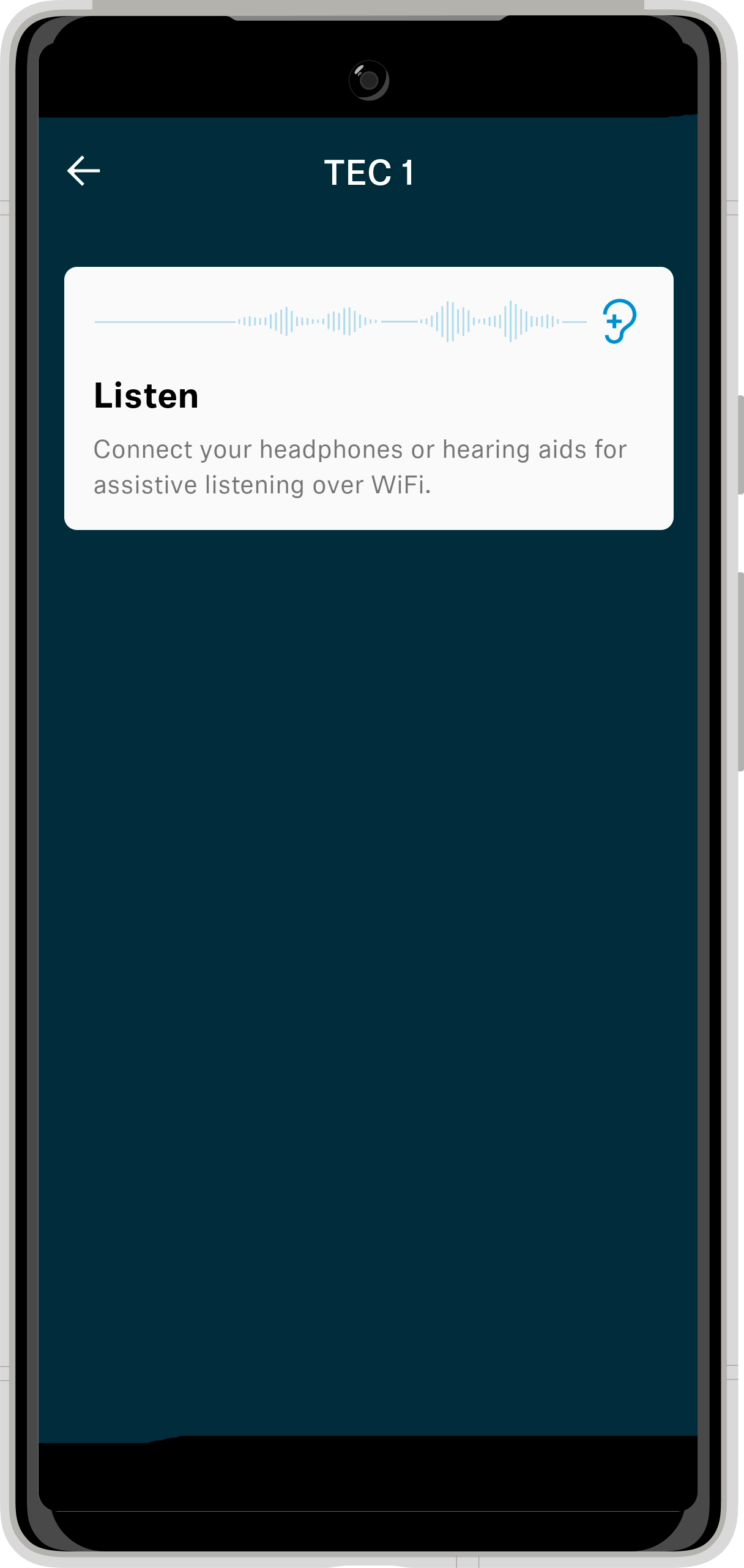
The MobileConnect app will generally connect to one of the TEC game console stations. On occasion during an event the audio may be changed to handle event sound.
Getting Started
- Be connected to eduroam wifi
- Have the MobileConnect app installed on your mobile device
- Your headset or earbuds connected to your mobile device

How to listen to TEC audio
- Launch the MobileConnect app
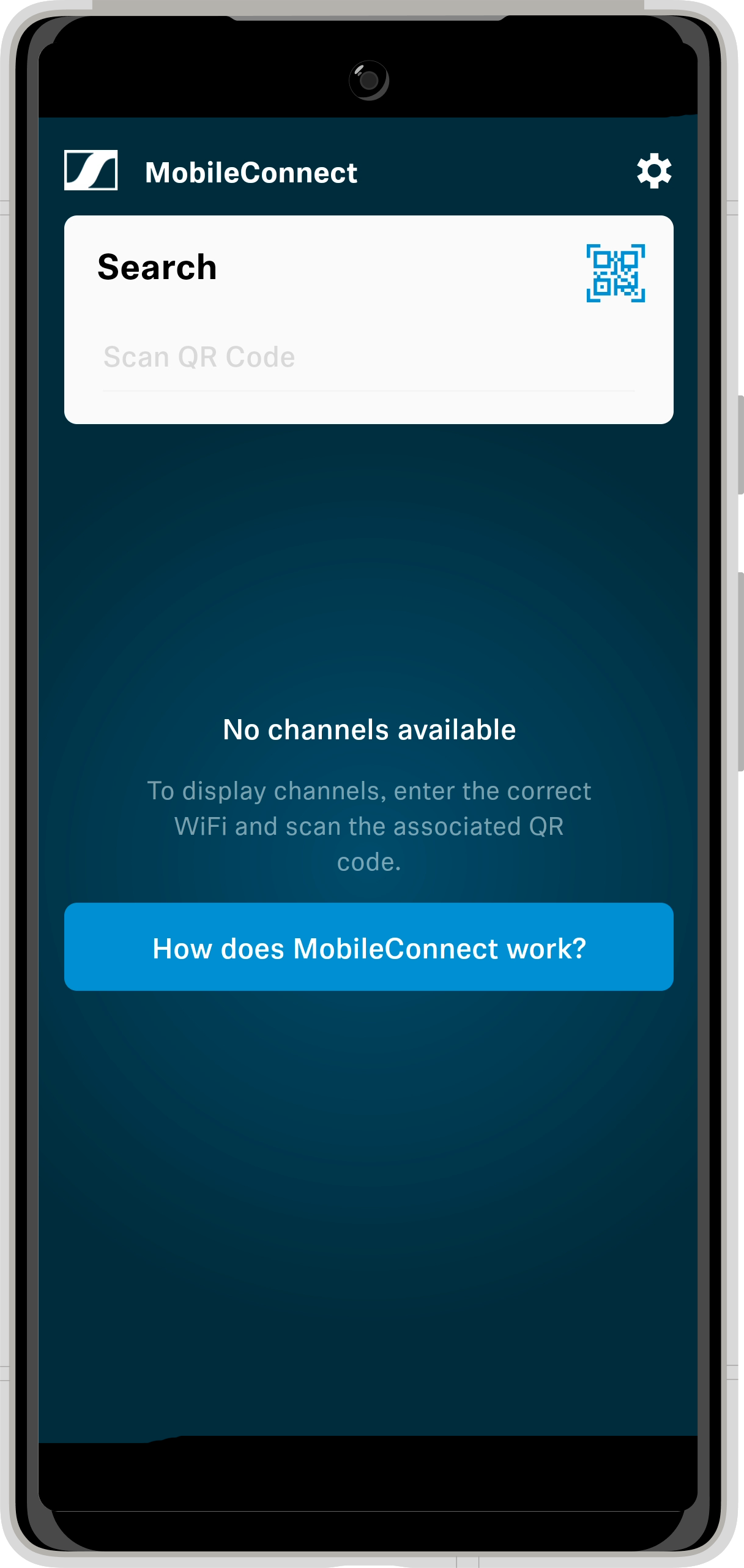
- Tap search and scan the QR code on the station controller
- Once the channel is added, select the channel and tap listen.